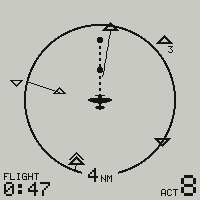
Radar and traffic
Track up, a minute of track ahead of each aircraft, the alarm that says where to look, and the list of who is there.
Seven guides, with the screens as the firmware draws them.
Track up, a minute of track ahead of each aircraft, the alarm that says where to look, and the list of who is there.
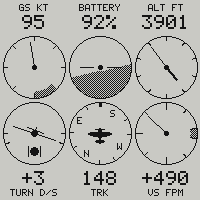
The GPS and barometer readings on six dials, for fun, the battery above the middle one, and on the Go+ a g-meter that keeps the peaks of the flight.
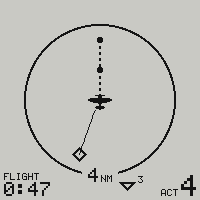
Every page, every menu and every prompt, and the radar drawn both ways.
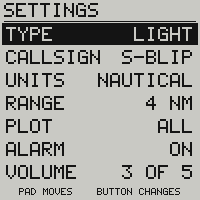
Two contacts, the settings under the radar, the callsign typed on the device, and the diagnostic pages.

What it waits for on the apron, what it looks like when off, and a battery that warns as it drains.
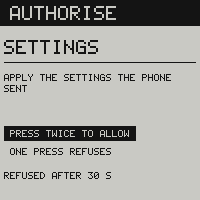
Three apps with no pairing, every change asked on the screen, and firmware from the browser.
One radio, four slots a second, and two systems heard in the same slot.
Field of view, sector scanned, apparent size of an aircraft, reaction time: the published figures of see and avoid.
The skyBlip Panel for glass cockpits, and the skyPost ground stations.